How to Build a Second Brain with Claude and Obsidian
Here is something most people do not realize about AI tools like Claude: they forget everything. Every conversation resets. The helpful context you built up yesterday, the preferences it learned, the project details you explained, all gone within 24 hours.
It is like working with a brilliant assistant who keeps leaving their notebook on the bus.
I kept running into this. I would have a great working session with Claude, teach it something useful about a project, and then start fresh the next day with a blank slate. All that context, lost.
So I built a system to catch it before it disappears.
What the second brain is
A "second brain" is just a searchable collection of notes that an AI can read and write. Mine lives in a single folder on my computer. Obsidian treats it as a vault so I can browse and search it myself. Claude Cowork treats it as a project folder so it can read, create, and update articles inside it.
Same folder, two tools, two purposes.
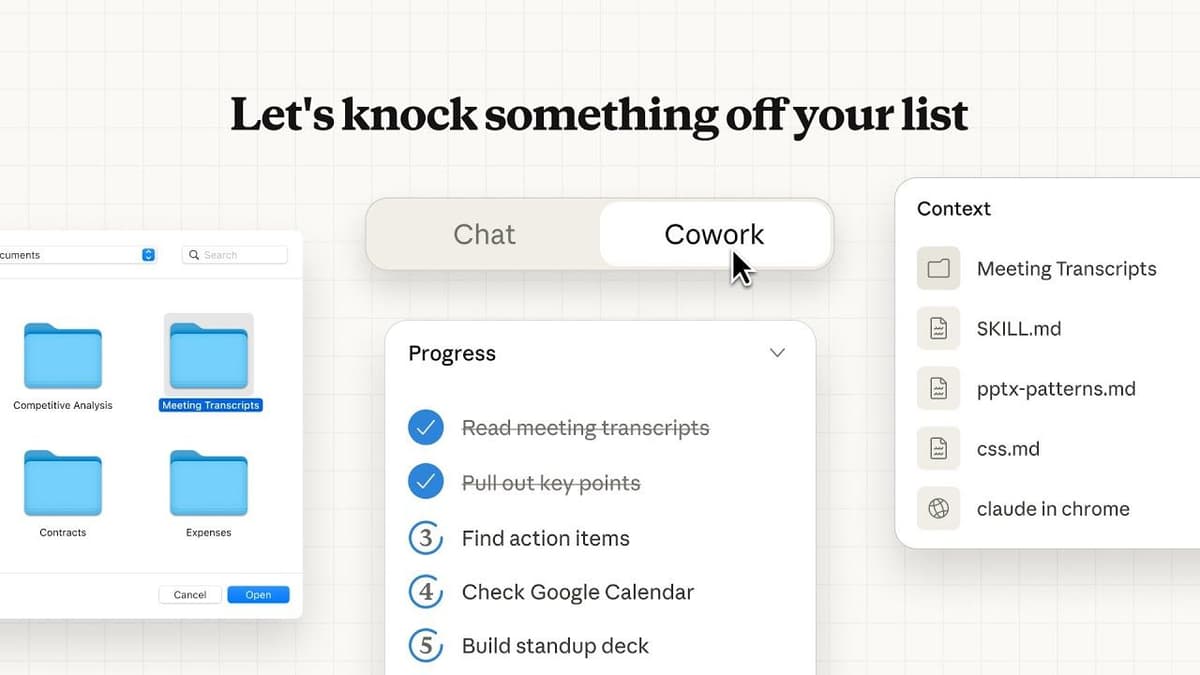
Claude Cowork is the part that works on the folder directly, instead of making you copy and paste everything into chat.
Source: Claude Cowork by Anthropic
If you have not set up Cowork or Obsidian yet, the earlier articles in this series walk through both.
How it started
I had notes everywhere. Sticky notes on my desk, index cards pinned to a board, ideas scattered across chat windows. One afternoon I took a photo of the whole mess, uploaded it to Cowork, and asked it to turn each note into its own article in the vault.
That was my starting point. A pile of rough thoughts turned into a folder of organized, readable files, each with a title, tags, and a short summary at the top.
How it works day to day
Claude's chat keeps a memory of your conversations and what it has learned, but that memory resets roughly every 24 hours. I built a skill (a saved instruction set) inside Claude's chat that exports two files before the reset happens: one with Claude's current memory context, and one with details of what we worked on that day.
Every day around noon, I run that export, download the two files, and drop them into the vault folder. Then I open Cowork, point it at the same folder, and say "ingest these into articles."
It sounds fancier than it is. Mostly it is giving yesterday's brain dump somewhere better to live than the bottom of a chat history.
Cowork reads the raw exports and turns them into clean, tagged, searchable notes. It follows a set of rules I built into the vault itself, plain text files in the root of the folder that tell any AI how to manage the content. Things like: look up existing tags before creating new ones, use consistent frontmatter (that is the structured information at the top of each file that makes it searchable), and match the tone of what is already there.
The result is that every useful conversation, decision, or idea from the day before ends up as a permanent, findable note. The AI forgets. The vault does not.
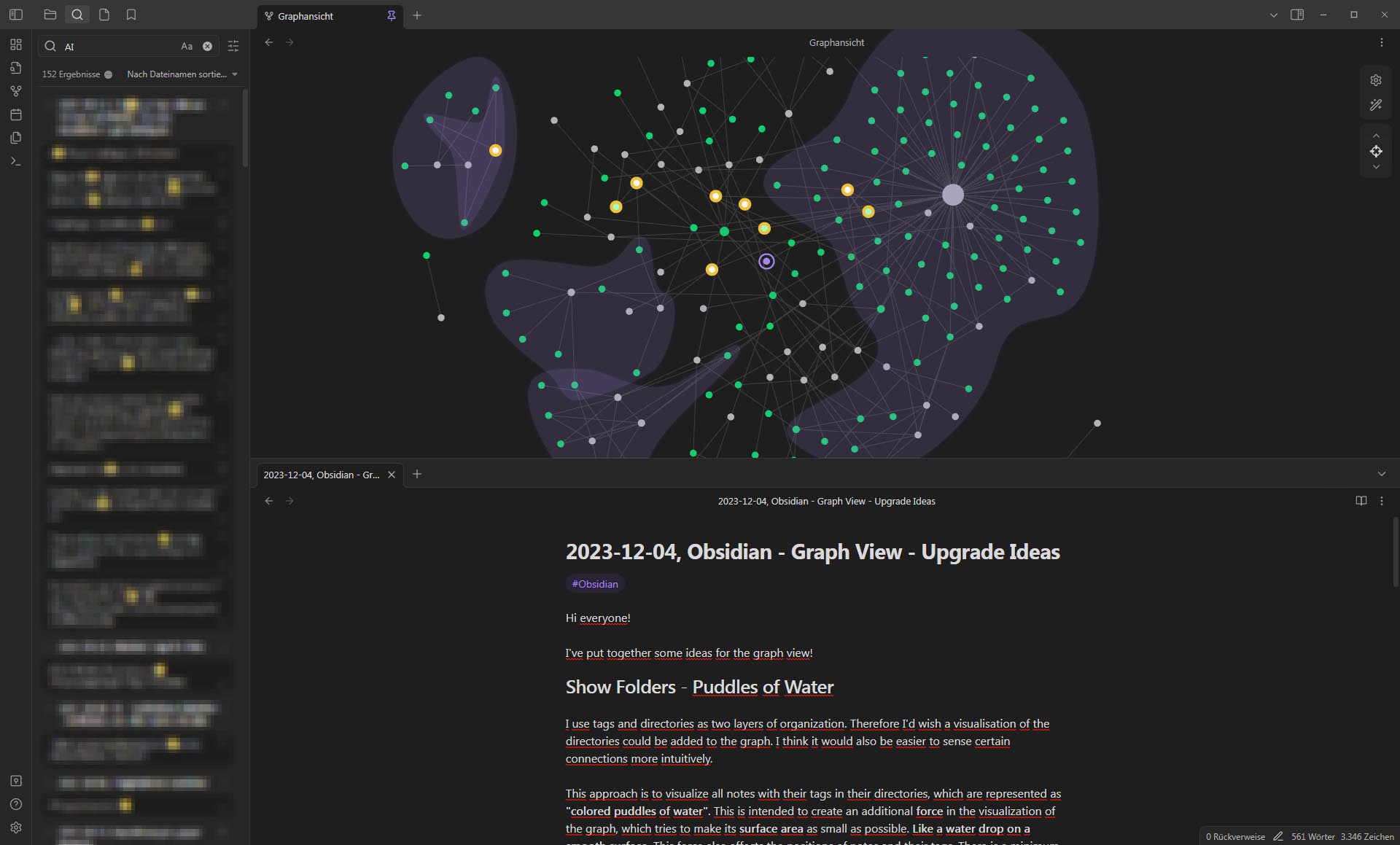
Over time, a second brain stops looking like a pile of notes and starts looking like a connected knowledge base.
Source: Graph View - Upgrade Ideas, Obsidian Forum
Why this matters for a small business
You do not need to build exactly what I built. The point is the pattern.
If you use AI regularly, you are generating useful thinking that vanishes every day. A second brain catches it. Even a simple version, a folder where you paste the best parts of your AI conversations into notes, is better than letting everything evaporate.
The more structured version I use just automates that capture so I do not have to remember to do it manually.
Bottom line
AI tools are useful in the moment but terrible at remembering. A second brain is a folder that remembers for them. Point Obsidian at it so you can search it. Point Cowork at it so AI can keep filling it. The knowledge compounds instead of resetting every day.
Ask AI this
"I want to start a second brain. Create a simple folder structure with instructions for how an AI should manage it: consistent tags, short summaries at the top of each note, and a rule that new notes should try to match existing tags before creating new ones."